


Connect Ranki.ai to Claude
Add Ranki.ai from Claude's connectors directory, or add a custom connector with the URL https://ranki.ai/mcp. Claude opens the Ranki.ai sign-in page; after you sign in, a consent screen explains what Claude can access. Approve it to finish the connection.
You can disconnect at any time from Claude's connector settings. New users can create a free Ranki.ai account during sign-in.
Read-only tools
These tools retrieve information and never change anything in your account.
- audit_website: live technical SEO/GEO audit of any public website (crawlability, title, meta description, H1, structured data, robots.txt, sitemap, llms.txt, canonical, content depth) with prioritized fixes.
- list_projects: the websites (workspaces) saved in your account, with their ids.
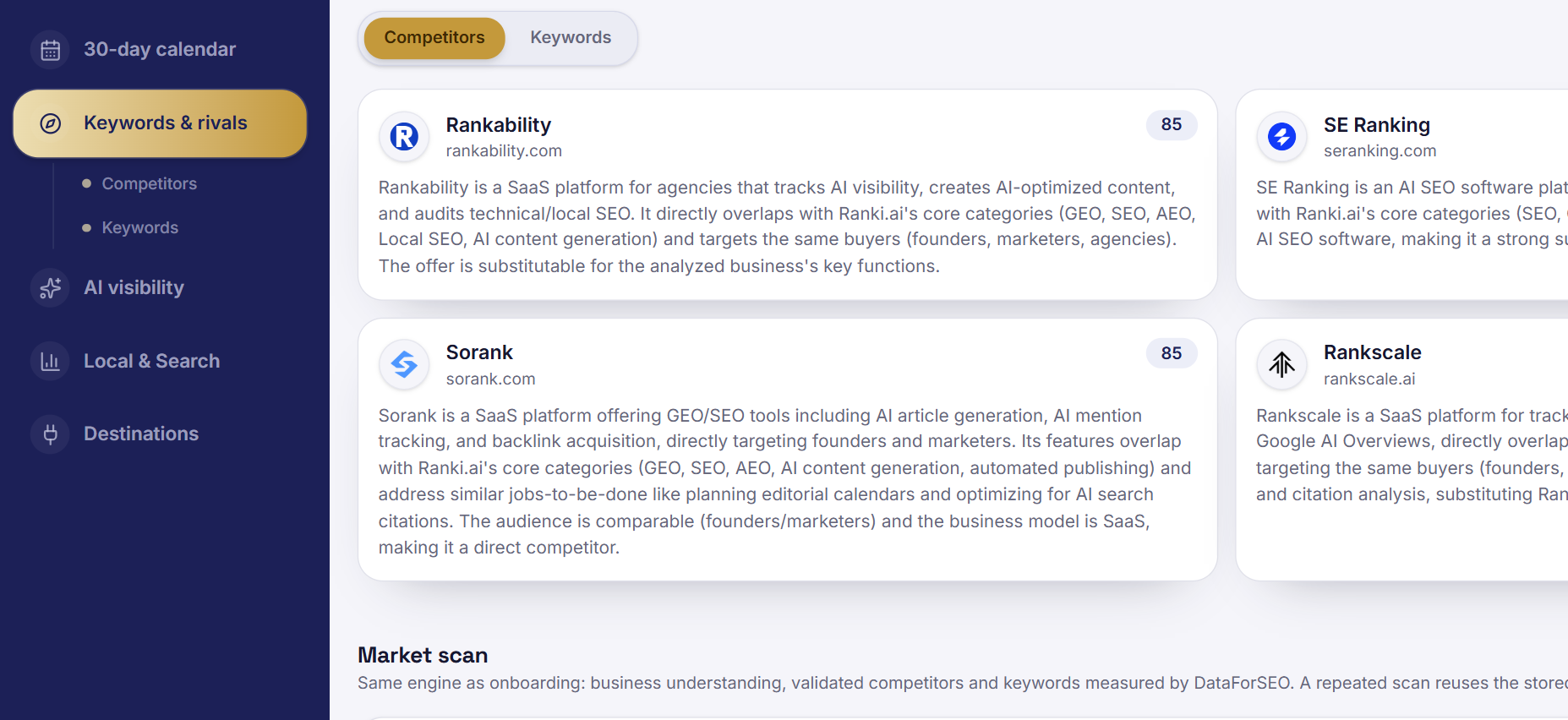
- get_research_snapshot: the saved business profile, validated competitors and keyword opportunities with measured search volumes.
- get_research_status: whether market research is queued, running, complete or failed, with a short summary when complete.
- get_ai_visibility: how often AI assistants mentioned, recommended or cited your brand in prompts Ranki.ai actually ran, and which competitors were cited instead.
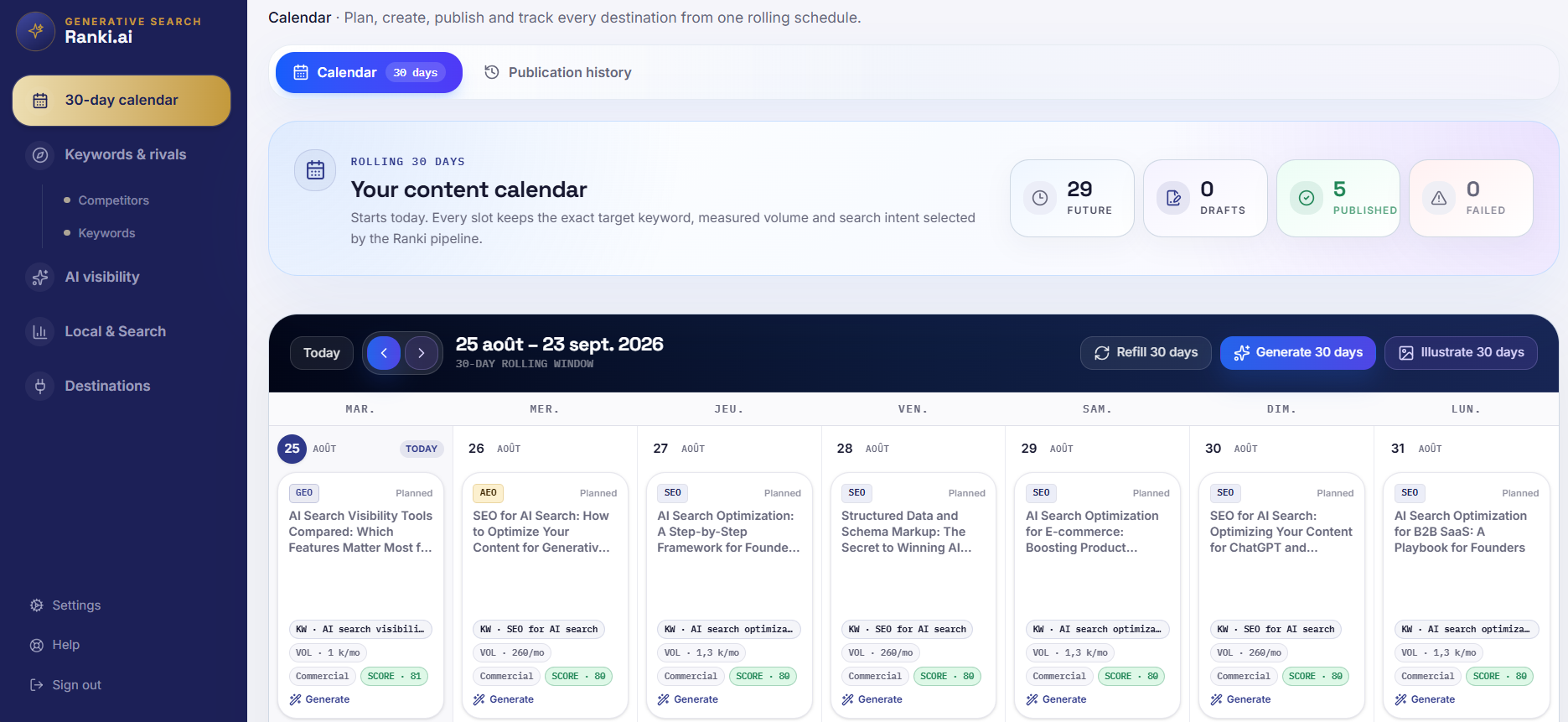
- list_calendar: the planned content calendar (date, topic, target keyword, format, status).
- list_articles and get_article: the articles Ranki.ai generated, with SEO metadata, outline, FAQ, sources and quality report.
Tools that create data
Claude asks you to confirm before using them. Neither tool deletes, overwrites or publishes anything.
- create_workspace: adds one of your own websites to your account. If a workspace already exists for that domain, it is returned unchanged.
- start_research: queues market research for a workspace on Ranki.ai's servers (usually 1 to 3 minutes). It does nothing if research already exists or is running, and is limited to 5 runs per day per account.
Example prompts
Use plain language; Claude picks the right tool.
- "Audit example.com for SEO and AI search and list the top fixes."
- "Set up my website example.com in Ranki.ai and run the market research."
- "How visible is my brand in ChatGPT, Perplexity and Gemini, and which competitors are cited instead?"
- "What is planned in my content calendar for the next two weeks?"
Data and privacy
The connector receives only the arguments Claude sends to a tool, such as a domain or a workspace id. It does not read your Claude conversations or files. Access is limited to your own Ranki.ai account, and every request is authorized with your sign-in token.
Read the Ranki.ai privacy policy at https://ranki.ai/privacy for details. For help, contact support@ranki.ai.
Frequently asked questions
Do I need a Ranki.ai account?
Yes. The connector uses OAuth sign-in with a Ranki.ai account. You can create one during the sign-in step.
Can Claude publish or delete content?
No. Through the connector Claude can only read your data, add a workspace for your own website and start market research. Generating, editing and publishing articles is done in the Ranki.ai app.
Where do the AI visibility numbers come from?
From real prompts that Ranki.ai ran against AI assistants for your workspace. Nothing is estimated; if no measurement exists yet, the tool says so.
Ranki.ai · GEO + SEO + AEO on autopilot
Turn the strategy into a 30-day execution plan
Ranki.ai connects research, editorial planning, content generation, publishing and visibility measurement in one workflow.
Analyze my site free